Cerebral palsy affects movement, and speech is movement: some of the fastest, most precise motor control the body ever performs. When CP makes speech unclear or impossible, it often complicates hands and pointing too. So for children with cerebral palsy, the AAC question is rarely whether they have something to say. It is finding one reliable, repeatable movement, whatever it is, and turning it into a voice.
This guide covers what that looks like in practice: the access methods that open communication apps to children who cannot tap accurately, how to size a board around motor ability rather than language ability, and the assumption that matters more than any setting.
Start by Presuming Competence
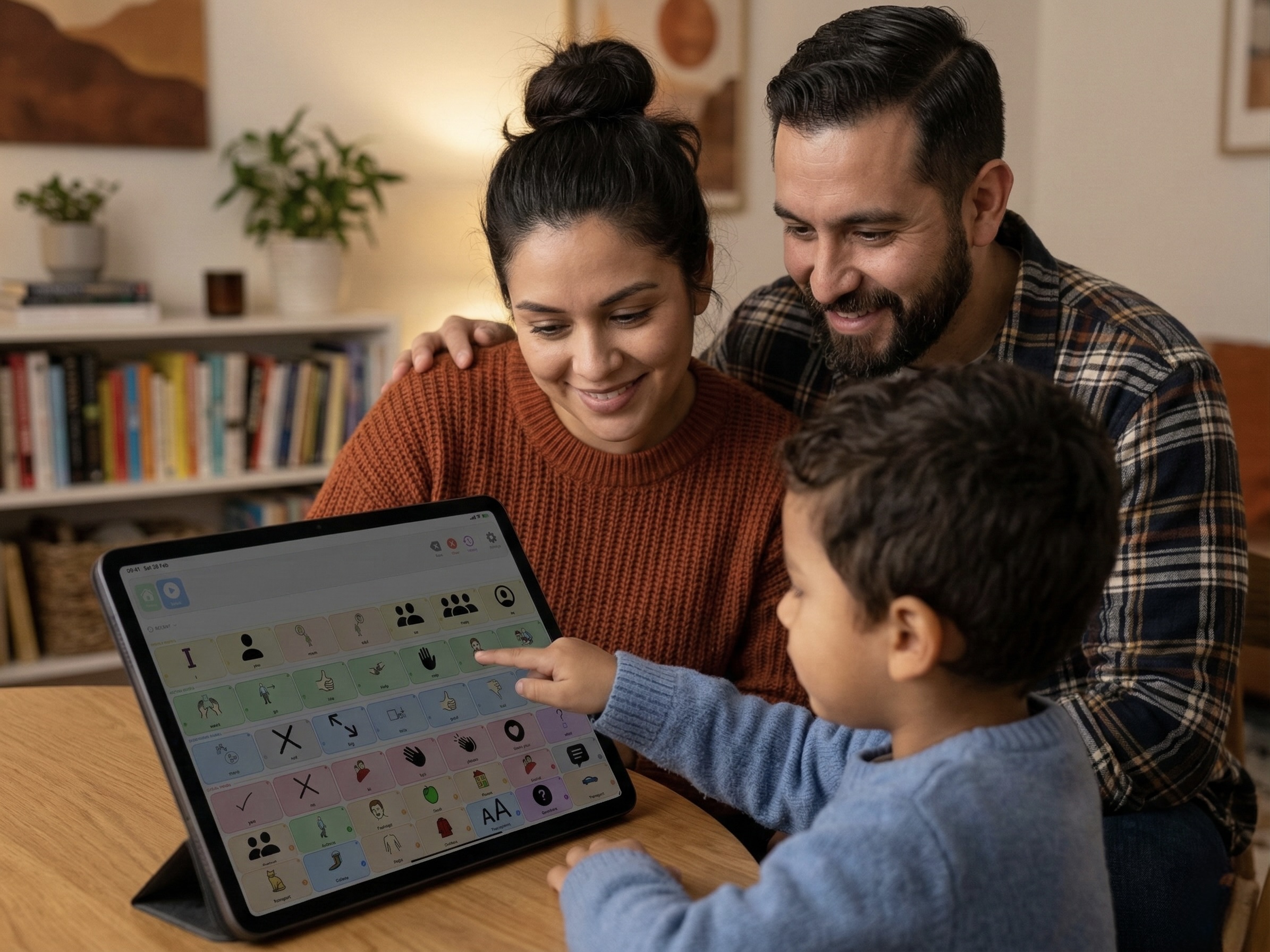
Many children with cerebral palsy have age-appropriate understanding trapped behind an unreliable body, and dysarthric or absent speech says nothing about what someone comprehends. The safest assumption, and the one the AAC field is built on, is to presume competence: talk normally, offer real vocabulary rather than a handful of needs, and let your child show you what they know once they have a working way to answer. Children who spent years being spoken to like infants routinely surprise everyone the week they get reliable access.
Access Is the Whole Game
For most AAC users, the finger does the work. When CP makes direct touch inaccurate or exhausting, the app has to meet the movement your child does have. The main routes:
- Direct touch with bigger targets. Many children with CP can tap, just not precisely. A smaller grid with large buttons, and a layout that never shifts, can be enough on its own.
- Switch scanning. One or two reliable movements, a head turn, a knee press, a fist on a button, drive a scanner that steps through the board and selects on a press. Slow, but it works with almost any controllable movement in the body.
- Head tracking. iPads support head pointer control, where moving the head steers a cursor and holding it still (dwelling) selects. For children with good head control and difficult hands, it is dramatically faster than scanning.
- Eye gaze. For children with very limited movement, dedicated eye-gaze systems track where they look. These are specialized devices, usually funded and set up through an AAC service.
Tone, fatigue, seating, and growth all change what movement is reliable. The right setup this year may be wrong next year, and what works in a supportive chair at 9am may fail on the sofa at 6pm. Revisit access regularly with your therapist rather than treating it as solved.
Positioning Comes Before Any App
Ask any AAC-experienced physio: seating is half the battle. A child fighting to stay upright has no motor budget left for pointing or switch pressing. Stable hips, supported feet, and a device mounted at the right height and angle, on a stand or mount rather than held, often improve access more than any setting inside the app. Get the body supported first, then tune the software.
What to Look For in an App
- Built-in switch scanning. Look for row-column and step scanning with adjustable speed, so the scanner can slow down to match a difficult movement instead of racing past it.
- Buttons that never move. Every extra search costs motor effort. Fixed positions turn finding a word into one practiced movement.
- Grid size you control. Motor access decides how many targets fit, and it should be adjustable without rebuilding the vocabulary.
- No time pressure. Menus that time out and buttons that need double-taps punish slow, effortful movement.
- Room for real language. Access limits how fast a child can say things, not how much they have to say. The vocabulary should still be rich.
How SpeakPad Fits
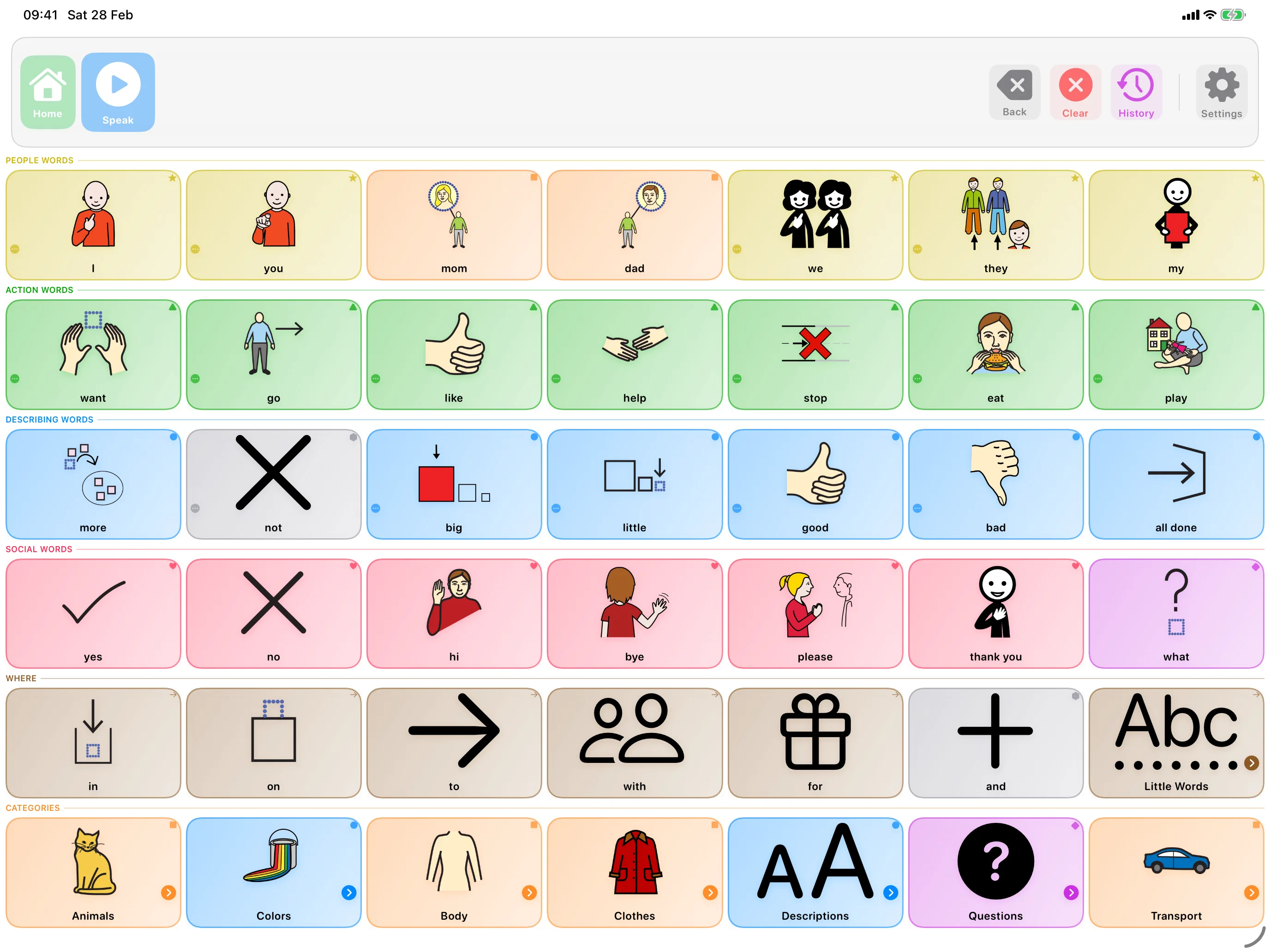
Searching every symbol is free. Assigning a built-in symbol not already on this profile’s boards requires Pro; personal photos, text and existing symbols stay free. SpeakPad has switch scanning built in, with row-column, linear, and group patterns, adjustable speed, and audio cues, and the message bar itself is reachable by scanning, so a child can build and speak full sentences from a single switch. Grid cells respond to iPadOS head-tracking dwell selection for children who steer with their head. Buttons never move, grids resize from a few large targets to full boards, and everything works offline in the buggy, the classroom, or the car. It is free to download, which makes it a practical way to trial access methods with your therapist before committing to specialized hardware.
Getting Started
- Involve the team early. An AAC assessment with an SLT and occupational therapist or physio pins down seating, mounting, and the most reliable movement together.
- Model on their board. Whatever the access method, your child still learns language by watching you use their words. Tap or scan as you talk.
- Keep the effort worth it. When every selection costs real work, respond to every message like it matters, because for your child, it did.
- Expect the setup to evolve. Access method, grid size, and vocabulary should all grow with your child. Nothing is final.
Related reading
- AAC for Children With Down Syndrome
- AAC for Gestalt Language Processors
- Moving From PECS to an AAC App
- Apps for Late Talkers: What Helps and What to Skip
- How to Lock an iPad to One App with Guided Access
- Will AAC Stop My Child From Talking?
- What Are Core Words? A Simple Guide to AAC Core Vocabulary
- AAC for Childhood Apraxia of Speech (CAS): A Parent's Guide
- Best Free AAC Apps for iPad in 2026
- How to Import AAC Boards from Other Apps (OBF & OBZ Explained)
- Best AAC Apps for Autism on iPad (Parent Guide)
- The Best AAC Apps for Toddlers with Speech Delays
- How to Introduce an AAC Device to a Non-Verbal Child
One Reliable Movement Is Enough
Private, offline AAC for iPhone and iPad. Speaking is always free, with optional SpeakPad Pro tools for caregivers.
Learn More About SpeakPad