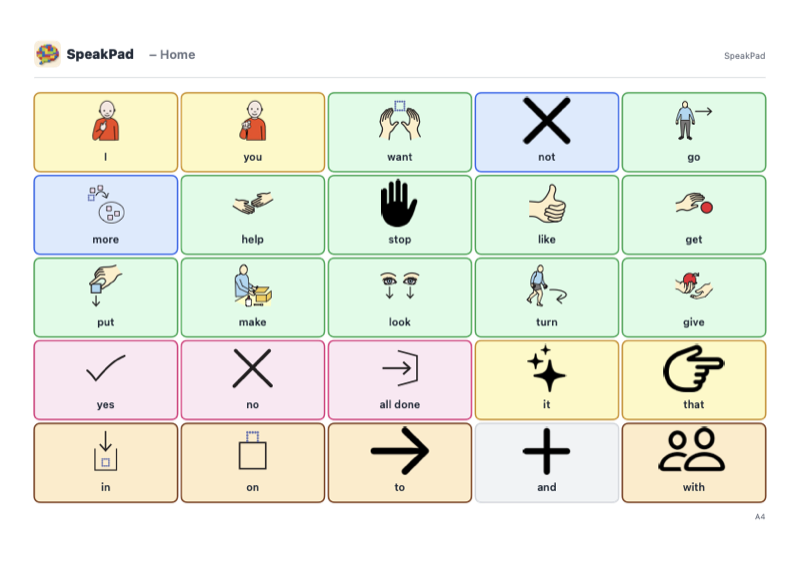
Core Word Board
25 useful words on one page, including I, want, more, go, stop, help, yes, and no. Combine words to ask, comment, refuse, and share ideas.
PDF · 1 page · A4 · Landscape · 187 kB
Simple paper boards to download, print, and keep close for when a screen will not do.
Free paper communication boards for home, school, and days out. No account or app needed. Choose a board below, open the PDF to see every page, or download a copy to keep.
25 useful words on one page, including I, want, more, go, stop, help, yes, and no. Combine words to ask, comment, refuse, and share ideas.
PDF · 1 page · A4 · Landscape · 187 kB
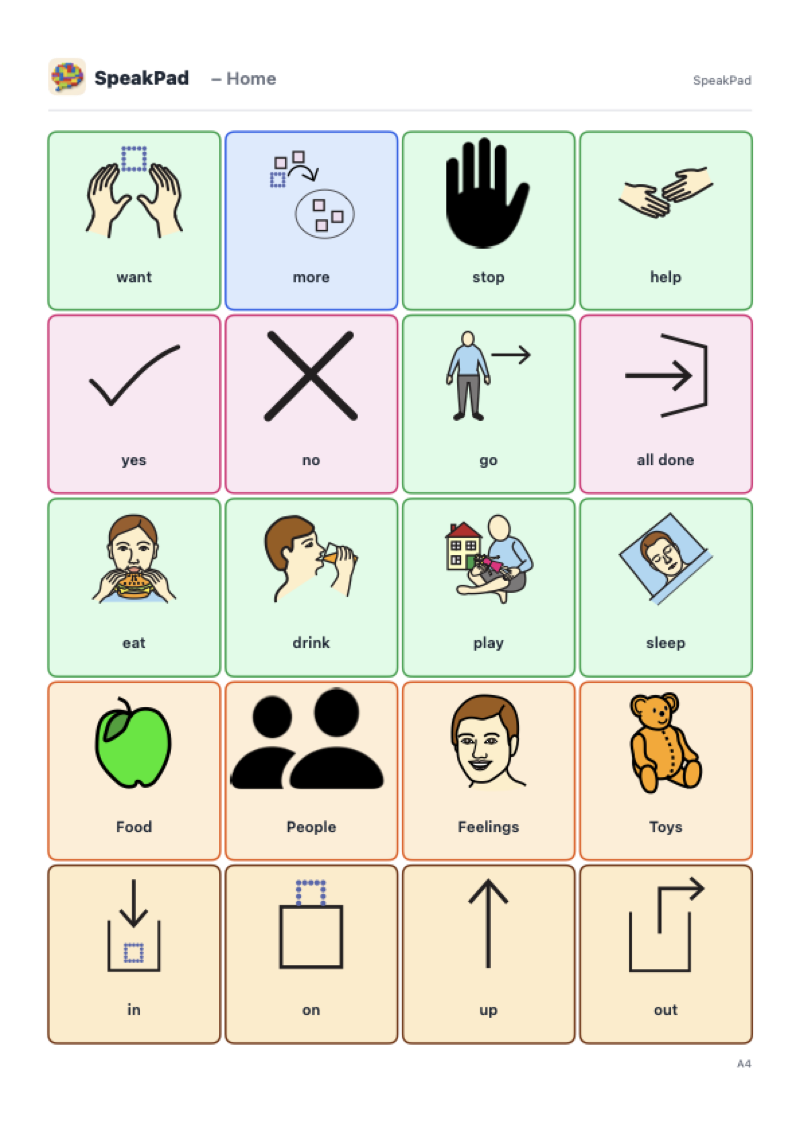
A gentle starting board for brand-new communicators: a small, motivating set of words and people, with room to grow into.
PDF · 5 pages · A4 · Portrait · 254 kB
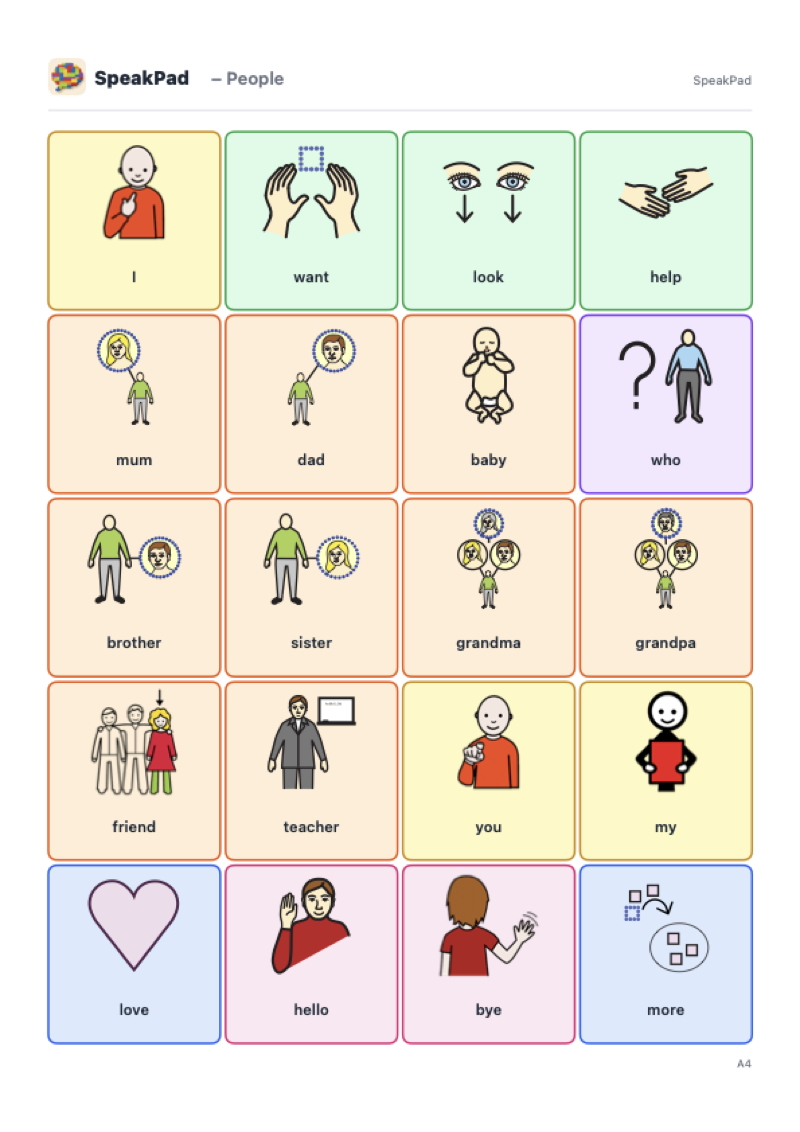
Mom, dad, brothers, sisters, grandparents, friends, and teachers, with the words to say something about them.
PDF · 1 page · A4 · Portrait · 195 kB
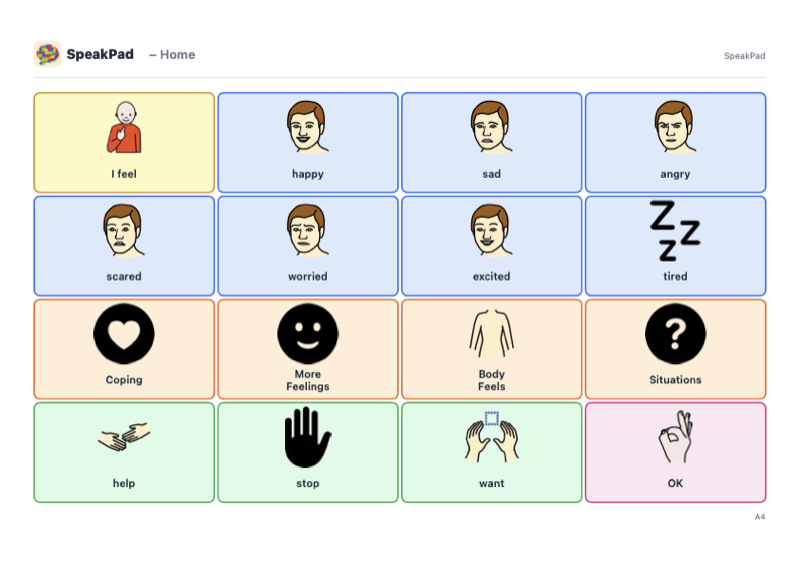
Words for feelings, plus pages for coping strategies, body sensations, and difficult situations. Includes ways to ask for help, a break, or quiet.
PDF · 5 pages · A4 · Landscape · 268 kB
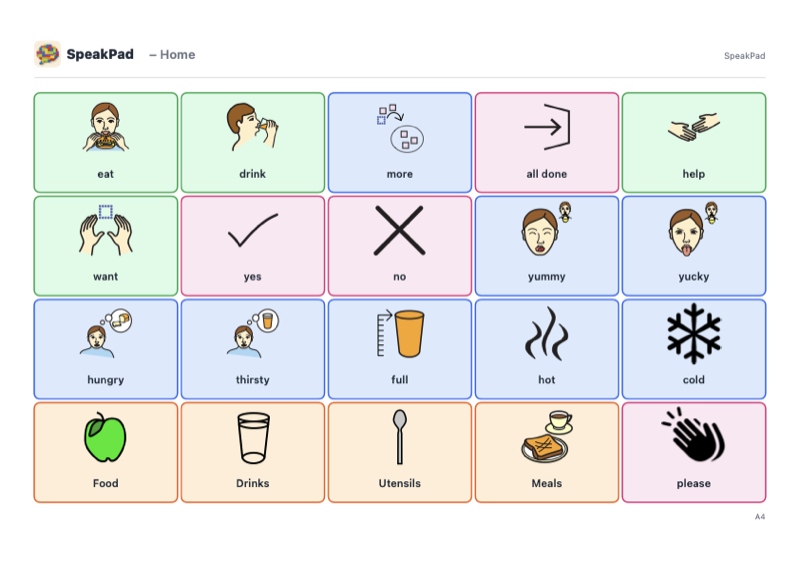
Eat, drink, more, all done, and a few favorite foods. Made to laminate and keep by the table or in the lunch bag.
PDF · 5 pages · A4 · Landscape · 247 kB
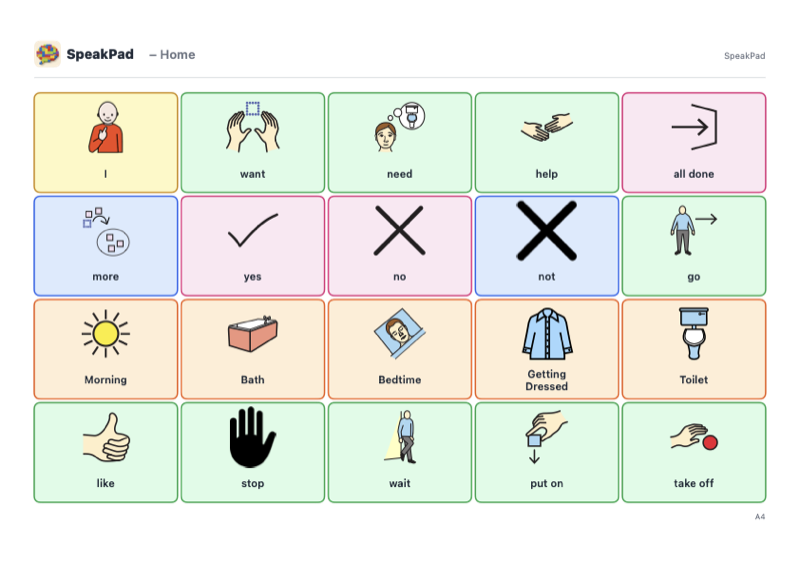
Getting dressed, bath time, brushing teeth, and bed. Picture support for the moments that repeat every single day.
PDF · 6 pages · A4 · Landscape · 256 kB
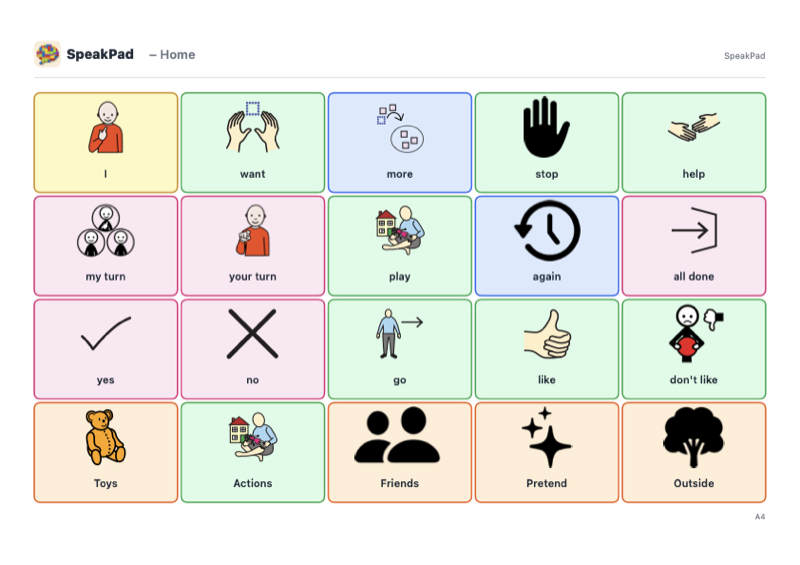
My turn, your turn, again, and stop, alongside the toys and games most worth asking for.
PDF · 6 pages · A4 · Landscape · 270 kB
Use A4 paper and the portrait or landscape orientation shown on each card. For US Letter, choose Fit to page. Print every page in a set, check that the words and pictures are easy to see and point to, then keep the pages together. Laminate if useful.
An arrow and number lead to another page in the same PDF. Click the cell on screen, or turn to that page in the printed set. Keep the full set together and return to page 1 for the main board.
Point to a picture as you say the word during everyday activities. Give the person time to respond in their own way; they do not have to copy you. Keep a core board nearby when using topic pages so words such as help, stop, and no stay available.
These are starting points. To match someone’s own words, photos, and layout, print their board from SpeakPad. Open Caregiver Mode, choose Manage, then Print Board. You can choose the paper size and orientation, include linked boards, and use larger text or black and white.
These PDFs use SpeakPad symbols. © SpeakPad. The boards are free to download and print.
SpeakPad is a free, private, offline AAC app for iPhone and iPad. Build a board once, then print it, share it, or speak with it.
Download SpeakPad