One of the quiet frustrations of AAC is lock-in. You spend months building vocabulary for your child in one app, then a therapist recommends a different app, and suddenly you are staring at an empty grid.
The good news is that there is an open standard designed to stop this: the Open Board Format, created by CoughDrop as a way to move AAC boards between apps. SpeakPad supports it in both directions.
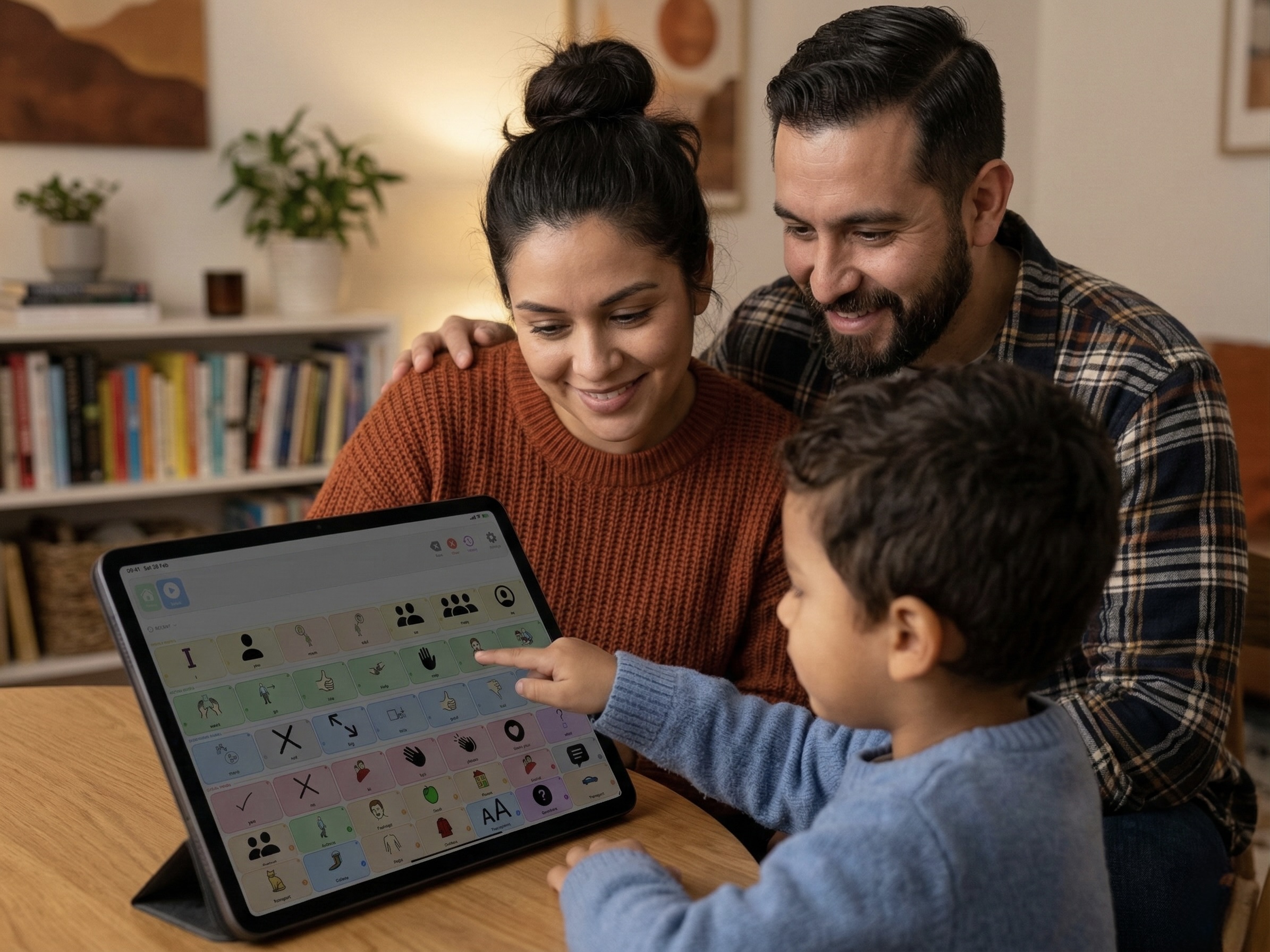
What are .obf and .obz files?
An .obf file is a single communication board saved in a shared JSON-based format. An .obz file is a zipped bundle of many .obf boards linked together, along with their images. Together they are commonly called the Open Board Format.
Which apps support it?
Open Board Format is supported by several AAC tools, including:
- CoughDrop - the app that originally created the format.
- CBoard - a free, open-source AAC web app used worldwide.
- SpeakPad - import and export, in the caregiver area.
- Various open-source AAC projects and board-building tools that read or write
.obf.
How to import a board into SpeakPad
Open SpeakPad, enter Caregiver Mode through the parental gate, then open Settings → Data & Backup and choose Import from File. Pick a standalone .obf board or a .obz archive from Files, AirDrop or email. Review the import preview and any compatibility warnings before confirming. SpeakPad preserves symbols, labels, folder links and Fitzgerald Key colors where possible; check the imported boards and adjust anything that did not transfer as intended.
How to export a SpeakPad board
With SpeakPad Pro, open Data & Backup, tap Export to Other AAC Apps (.obz), then share the archive via AirDrop, Files, or email. A therapist can open the .obz archive in CoughDrop, CBoard, or another compatible Open Board tool, make edits, and send it back. Apps can interpret board features differently, so check the exported board in the receiving app. Keep a .speakpad backup when you need to preserve the full SpeakPad setup.
Try SpeakPad With Your Existing Boards
SpeakPad is a private, offline AAC app for iPhone and iPad with free communication. Try your compatible boards and review the result before relying on them. Importing boards and sharing .speakpad files are free. Exporting .obz files for other AAC apps requires Pro.
Download SpeakPad