One of the quiet frustrations of AAC is lock-in. You spend months building vocabulary for your child in one app, then a therapist recommends a different app, and suddenly you are staring at an empty grid.
The good news is that there is an open standard designed to stop this: the Open Board Format, created by CoughDrop as a way to move AAC boards between apps. SpeakPad supports it in both directions.
What are .obf and .obz files?
An .obf file is a single communication board saved in a shared JSON-based format. An .obz file is a zipped bundle of many .obf boards linked together, along with their images. Together they are commonly called the Open Board Format.
Which apps support it?
Open Board Format is supported by several AAC tools, including:
- CoughDrop - the app that originally created the format.
- CBoard - a free, open-source AAC web app used worldwide.
- SpeakPad - import and export, in the caregiver area.
- Various open-source AAC projects and board-building tools that read or write
.obf.
How to import a board into SpeakPad
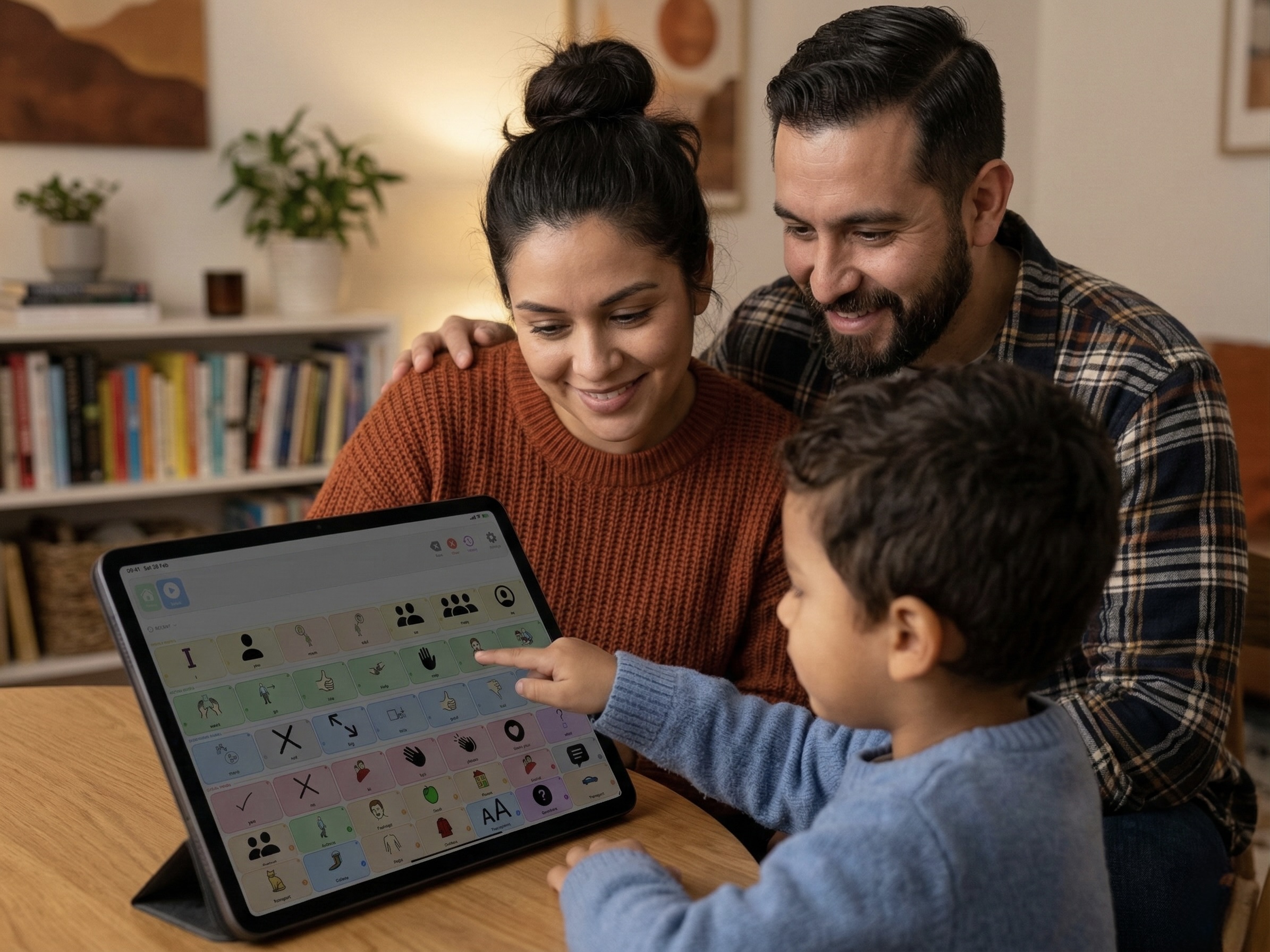
Open SpeakPad, enter caregiver settings via the parental gate, then open Data & Backup and choose Import Boards from .obz. Pick a .obz archive from your Files app, AirDrop, or email. SpeakPad reads the .obf boards inside the archive, preserves symbols, labels, folder links, and Fitzgerald Key colours where possible, and flags anything that could not be mapped so you can review it.
How to export a SpeakPad board
From Data & Backup, tap Share Boards as .obz, then share the archive via AirDrop, Files, or email. A therapist can open the .obz archive in CoughDrop, CBoard, or another compatible Open Board tool, make edits, and send it back.
Try SpeakPad With Your Existing Boards
SpeakPad is a free, private, offline AAC app for iPhone and iPad. If you already have boards in another app, bring them with you - no rebuild required.
Download SpeakPadRead more: How to Introduce an AAC Device to a Non-Verbal Child